

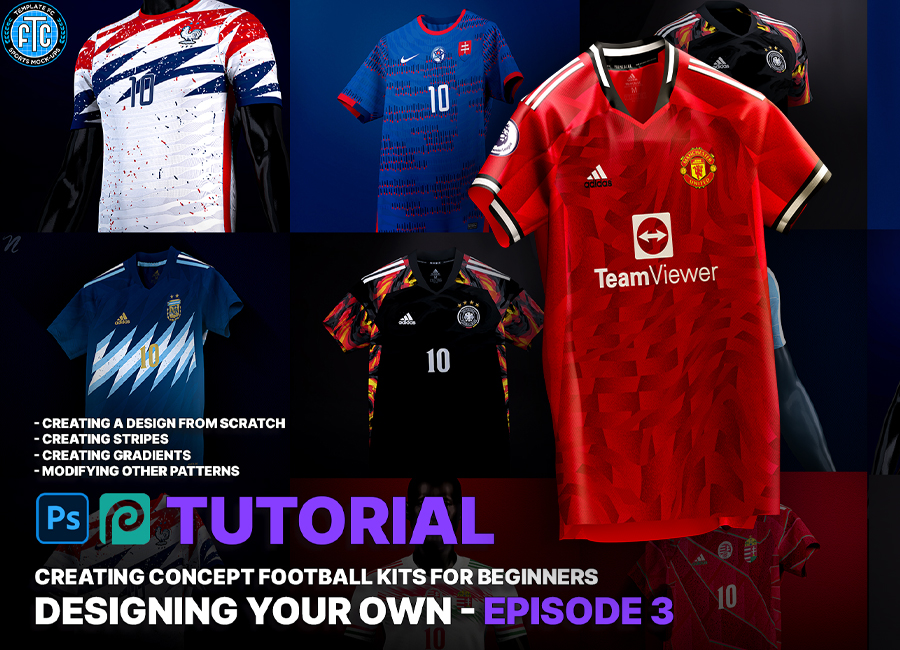
In Episode 3 of Noah from Template FC’s Photoshop and Photopea tutorial, he takes the introductory ideas for patterning from the last episode and runs with them.
Showing us how we can modify and adapt what we’ve created to produce something entirely original, we learn we can go well beyond recolouring existing templates and elements.
By using some of his own very well-received designs as examples, Noah demonstrates how he ended up with popular fantasy shirts many will recognise from his output. In minutes we learn how to create complex textures that we’d assume to be the work of hours.
To start creating your designs with the help of these tutorials, follow these steps:
- Download Photoshop or use the free alternative Photopea and get yourself a template to work with at Template FC.
Be sure to catch up on the first two episodes and look out for the next for more tips on how to develop unique kit concepts.
View: Kit Design Tutorial - Ep. 1 - Getting Started: How to Create Concept Football Kits
View: Kit Design Tutorial - Ep. 2 - Adding Designs
View: Kit Design Tutorial - Ep. 4 - Adding Texture


